Weather Station
Add to Home Screen (iOS only)
Given the recent Weather Station update, users can now add the Weather Station home page to their home screen (iOS only).
The instructions are as follows:
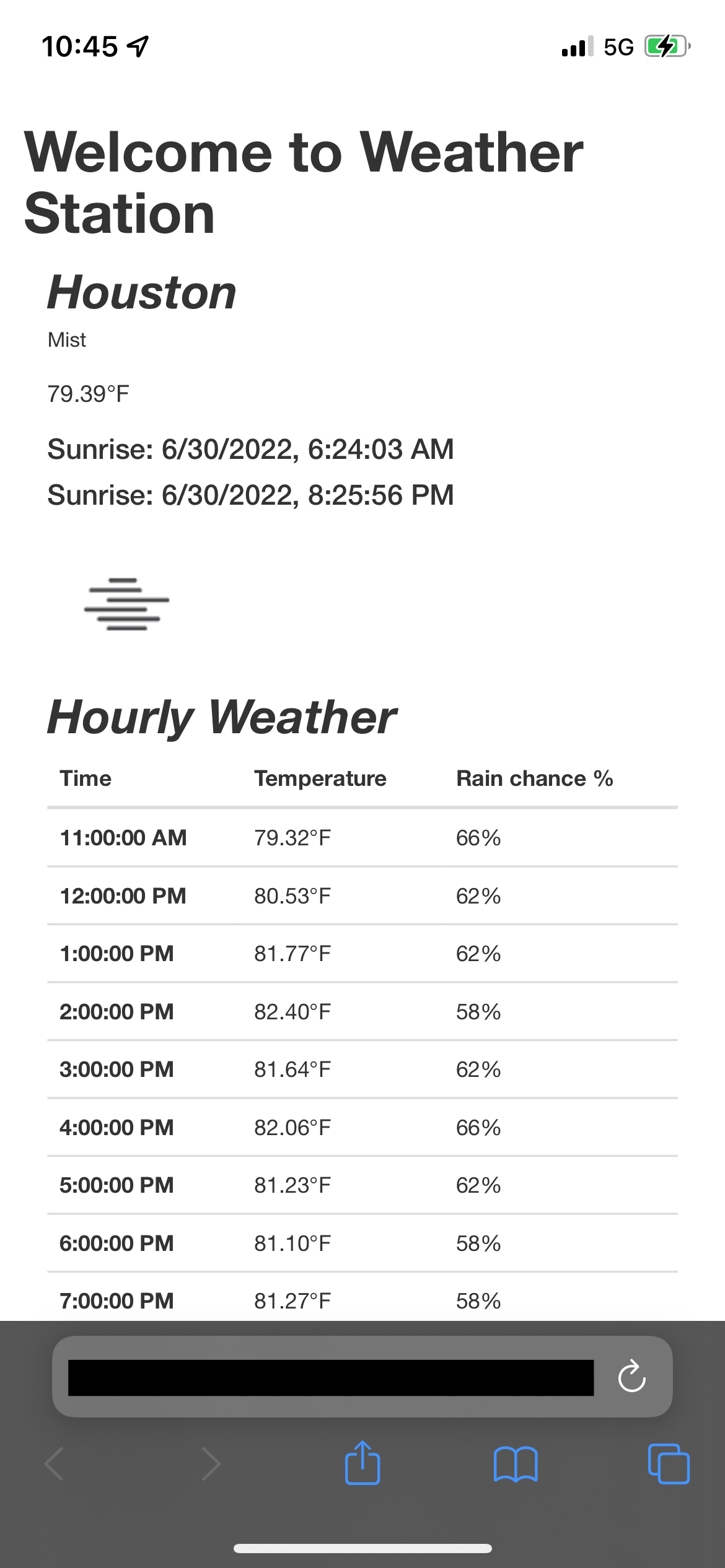
Go to the Weather Station home screen. Tap the "Share" icon in the bottom bar (box with arrow pointing up) to open the share menu.
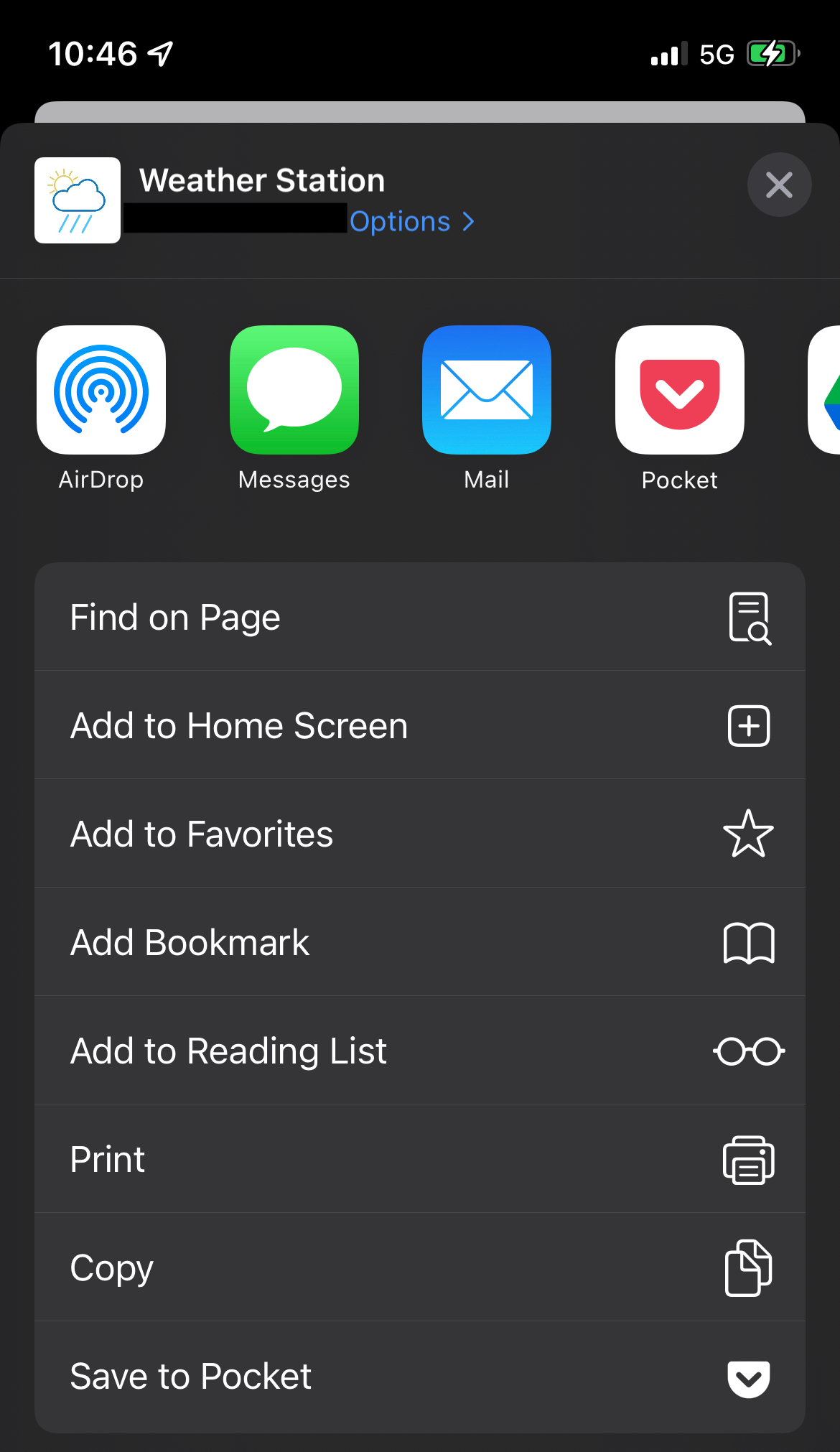
In this menu, tap "Add to Home Screen."
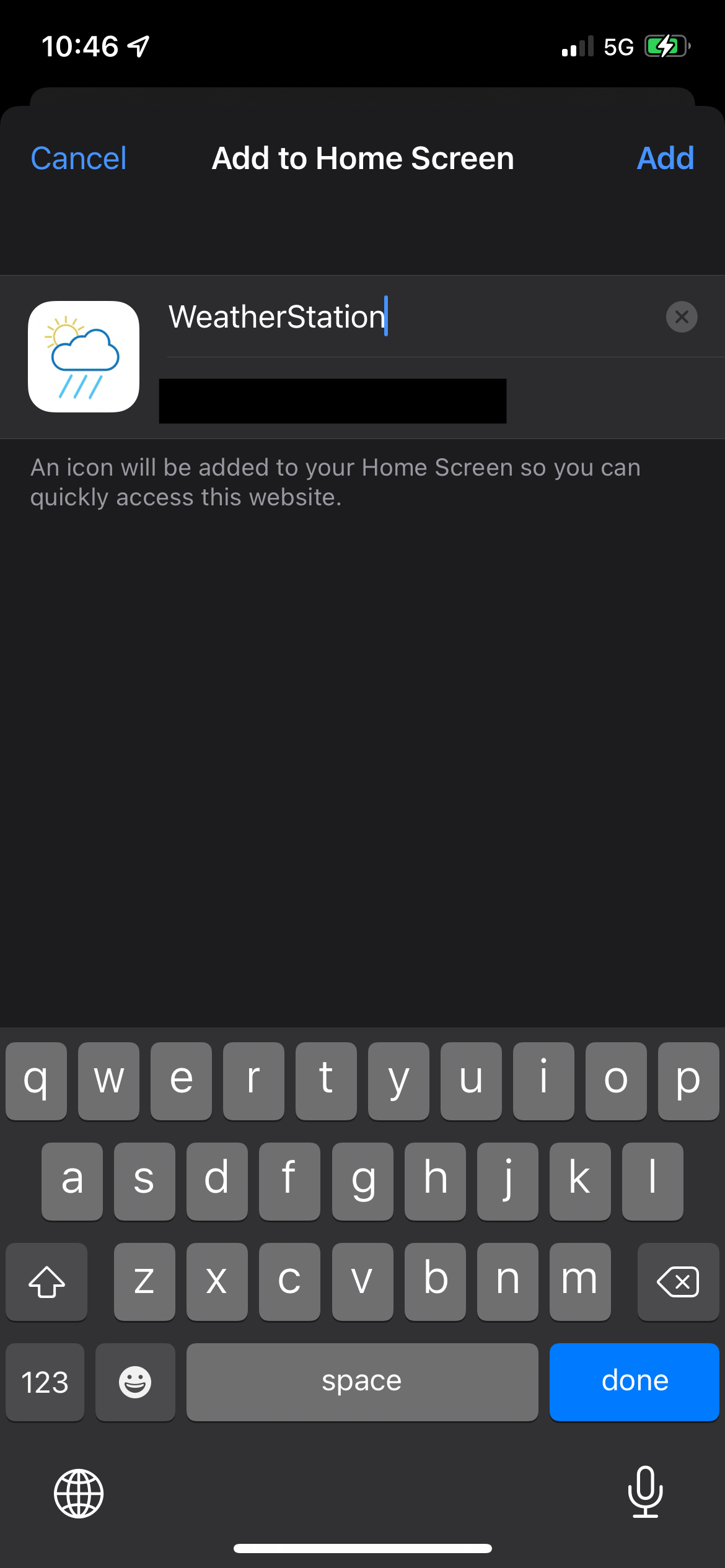
Tap "Add" at the top right.
You should now have an icon like this on your home screen.